
# Claude Usage Widget
Android home screen widget that shows your Claude Pro usage at a glance.
## Features
- **SESSION** bar — current 5-hour window utilization with reset time
- **WEEKLY** bar — 7-day rolling usage with reset time
- **Pace marker** — a colored tick on each bar shows where you *should be* right now to finish at
exactly 100% by reset. Tick color grades your projection: green (way under budget) → teal →
yellow → orange → red → purple (burning way too fast), with an "X% over/under pace" label.
- **Peak-hours indicator** — a Claude burst icon that lights up 🔥 during Anthropic's peak window
(5–11 AM Pacific, Mon–Fri), when tokens burn faster, with a countdown to the window close.
- **Usage history chart** — the app plots your session and weekly utilization over the past 7 days,
so you can see your consumption trend, not just the current snapshot.
- **Usage alerts** — opt-in notifications when session or weekly usage crosses a threshold you set
(sliders, 50–100%). Each alert fires at most once per limit window, so you're never spammed.
- Tap the widget to open the app; tap ⟳ to force-refresh
- Responsive: works as 4×1 (compact) or 4×2 (full)
- Auto-refreshes every 5 minutes in the background
## Screenshots
## Install
1. Download `claude-usage-widget.apk` from the [latest release](../../releases/latest)
2. On your Android phone: **Settings → Apps → Install unknown apps** → allow your browser/file manager
3. Open the downloaded APK and tap Install
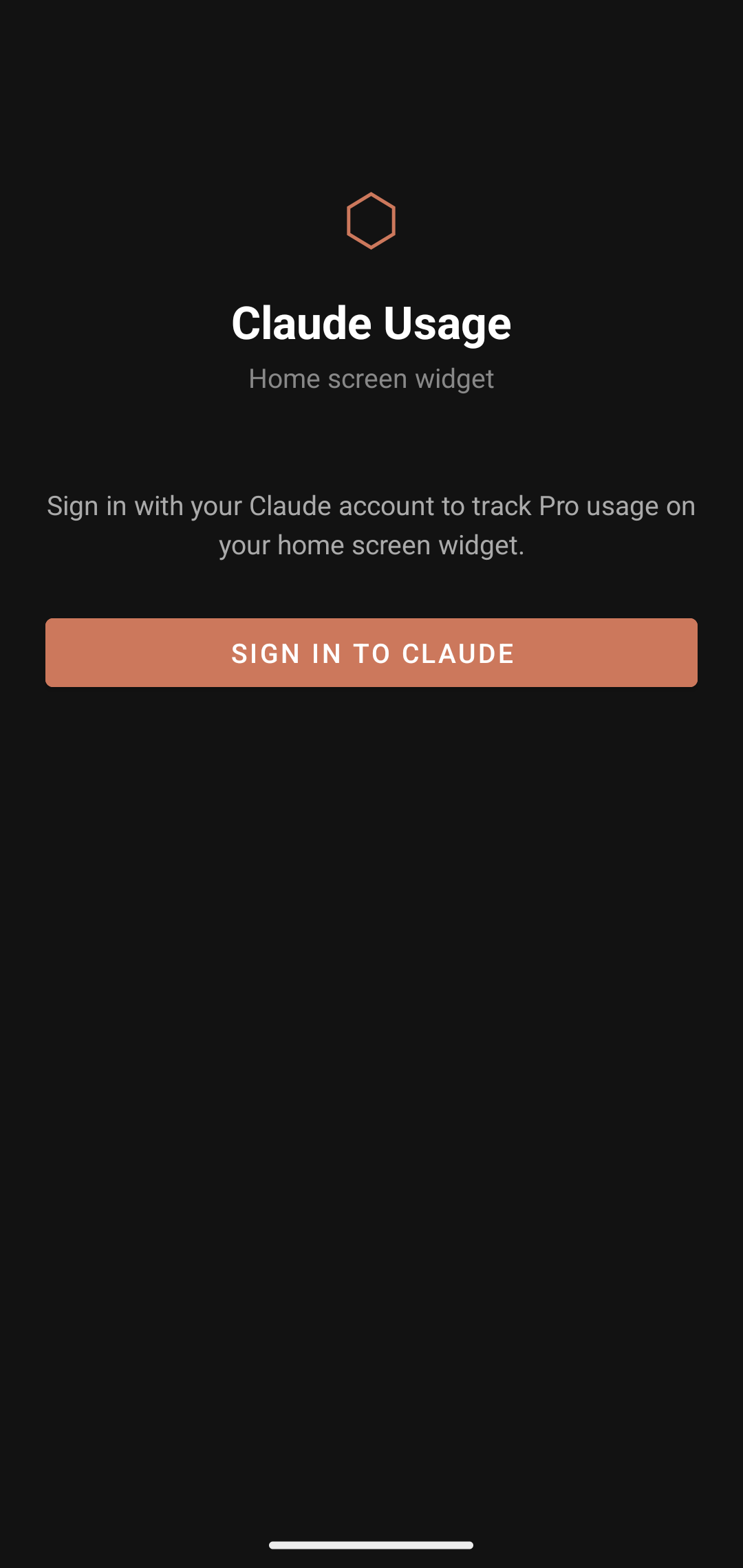
4. Open the **Claude Usage** app and sign in with your Claude.ai session cookies
5. Long-press your home screen → Widgets → Claude Usage → drag to place
## Sign-in
The app uses your Claude.ai browser cookies (not a password). In the app, tap **Sign In**, then paste your cookies from a logged-in Claude.ai browser session.
To get cookies: open claude.ai in Chrome → DevTools (F12) → Application → Cookies → copy the `Cookie` header value.
## Requirements
- Android 8.0+ (API 26)
- Active Claude Pro subscription